Building an automated blog for free sounds too good to be true, but with the right approach it is entirely achievable — even if you have no advanced technical knowledge. This complete guide walks you through the automated blog setup guide essentials, from choosing a free platform to publishing your first posts and earning organic traffic. Whether you are an entrepreneur, a freelancer, or a digital marketing professional, you will find an automated blog tutorial style breakdown that keeps costs at zero while still delivering real results.
What Is an Automated Blog and How Does It Work?
Definition of blog automation in plain language
Blog automation is the practice of using software to handle the repetitive parts of publishing: generating drafts, formatting posts, scheduling releases, and pushing content to your site without you clicking “publish” every time. In plain language, you define the rules once — the niche, the publishing cadence, the SEO structure — and the tools execute those rules on a recurring basis. Automation does not mean a robot runs your business while you sleep; it means your attention is freed for strategy, editing, and promotion instead of copy-pasting articles into a CMS. The practical outcome is a publishing rhythm that stays consistent even when your calendar does not.
How automated content pipelines publish posts for you
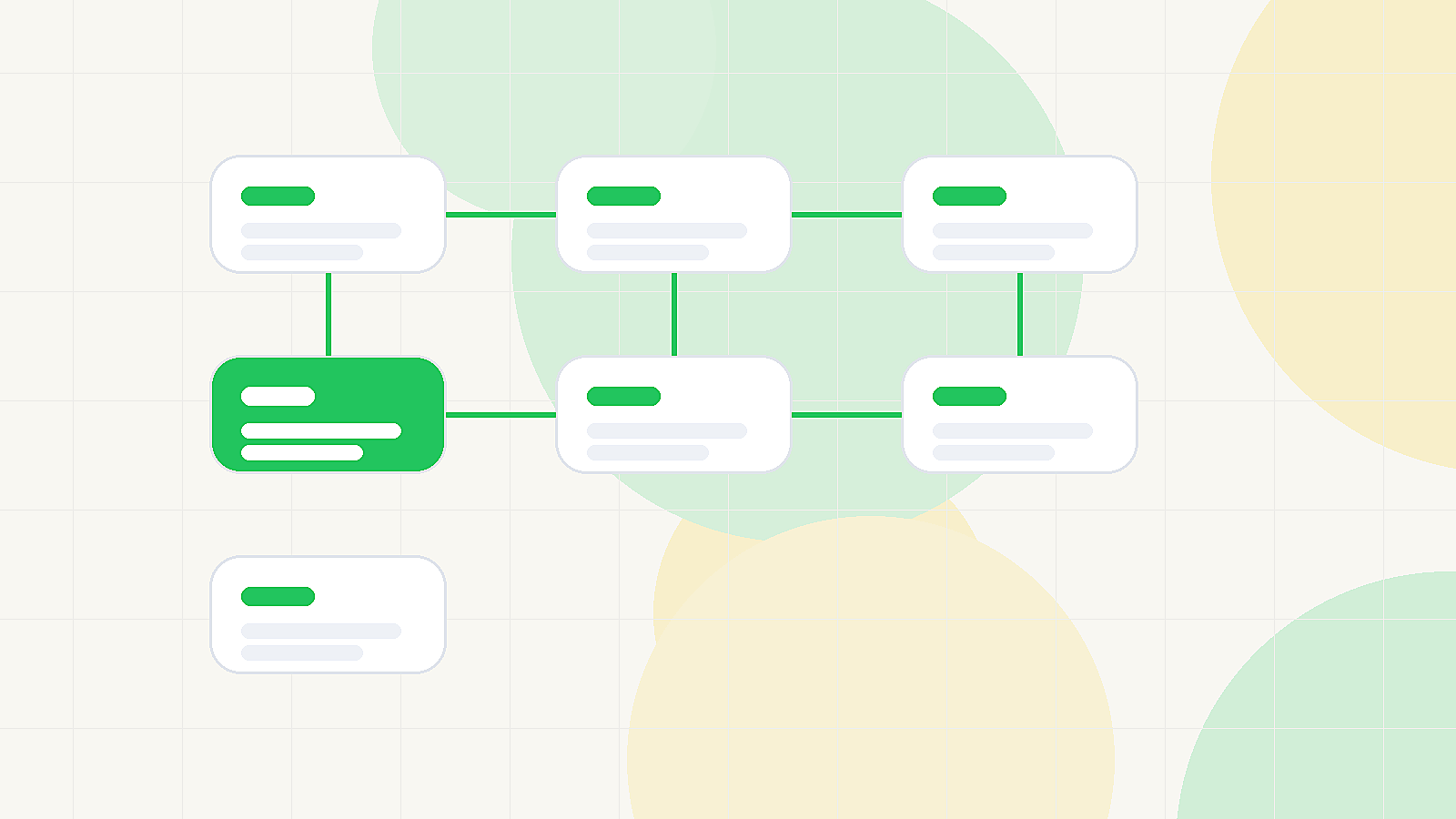
An automated content pipeline chains several small services together: a generation or research tool produces a draft, a formatting step adds headings and metadata, a scheduler queues the post, and a connector publishes it to your blog platform at the chosen time. Many pipelines run on triggers — a new idea added to a spreadsheet, an RSS feed you follow, or a keyword list you upload — so content flows into your editorial calendar without manual handoffs. Free tiers of popular tools often cover exactly this workflow for a handful of posts per month, which is plenty while you validate a niche. The key is designing the pipeline so every draft still passes through a checkpoint before it goes live.
Where human oversight still matters
Automation assists, it does not replace strategy — and that distinction decides whether a blog grows or stalls. Search engines evaluate usefulness, accuracy, and trustworthiness, and readers can spot unedited filler instantly, so a human review step remains non-negotiable. Your role shifts from writer of every sentence to editor and curator: verifying claims, adding first-hand examples, adjusting tone, and making sure each post genuinely answers the reader’s query. Think of automation as a diligent intern who drafts quickly but still needs your approval before anything reaches the audience.
Why Build an Automated Blog for Free Instead of Paying?
Cost advantages for beginners and solopreneurs
Starting at zero removes the single biggest reason people abandon blogs: the fear of wasting money. Free hosted platforms cover hosting, SSL, and basic themes, while free tool tiers handle drafting and scheduling, so your only investment is time. For beginners and solopreneurs, this means you can test whether a topic sustains your interest and attracts readers before committing a single dollar to hosting, premium plugins, or paid software. Every dollar you delay spending stays in your pocket until the blog proves it deserves the budget.
Risk-free experimentation with niches
Because nothing is locked in financially, you can pivot freely: launch a finance blog, notice the audience is weak, and shift toward personal productivity within a week. That freedom encourages the kind of experimentation that eventually finds a profitable niche, since you are not pressured to make an early investment pay off. You can run multiple small sites in parallel, compare engagement, and double down on whatever resonates. The learning curve itself becomes valuable, because each attempt teaches you something about keyword demand and reader intent.
Limitations of free tiers you should know upfront
Free plans are not unlimited, and understanding the boundaries early prevents nasty surprises later. Expect platform branding on your site, restricted theme and plugin selection, storage or bandwidth caps, and limits on how many automation runs you can execute per month. Custom domains usually cost money, and some free tiers restrict monetization features or commercial use. None of these blockers stop you from growing in the early stages, but knowing them helps you plan the exact moment when upgrading becomes worth it rather than reactive.
Choosing the Right Free Platform for Your Automated Blog
Free hosted options compared (Blogger, WordPress.com, Medium)
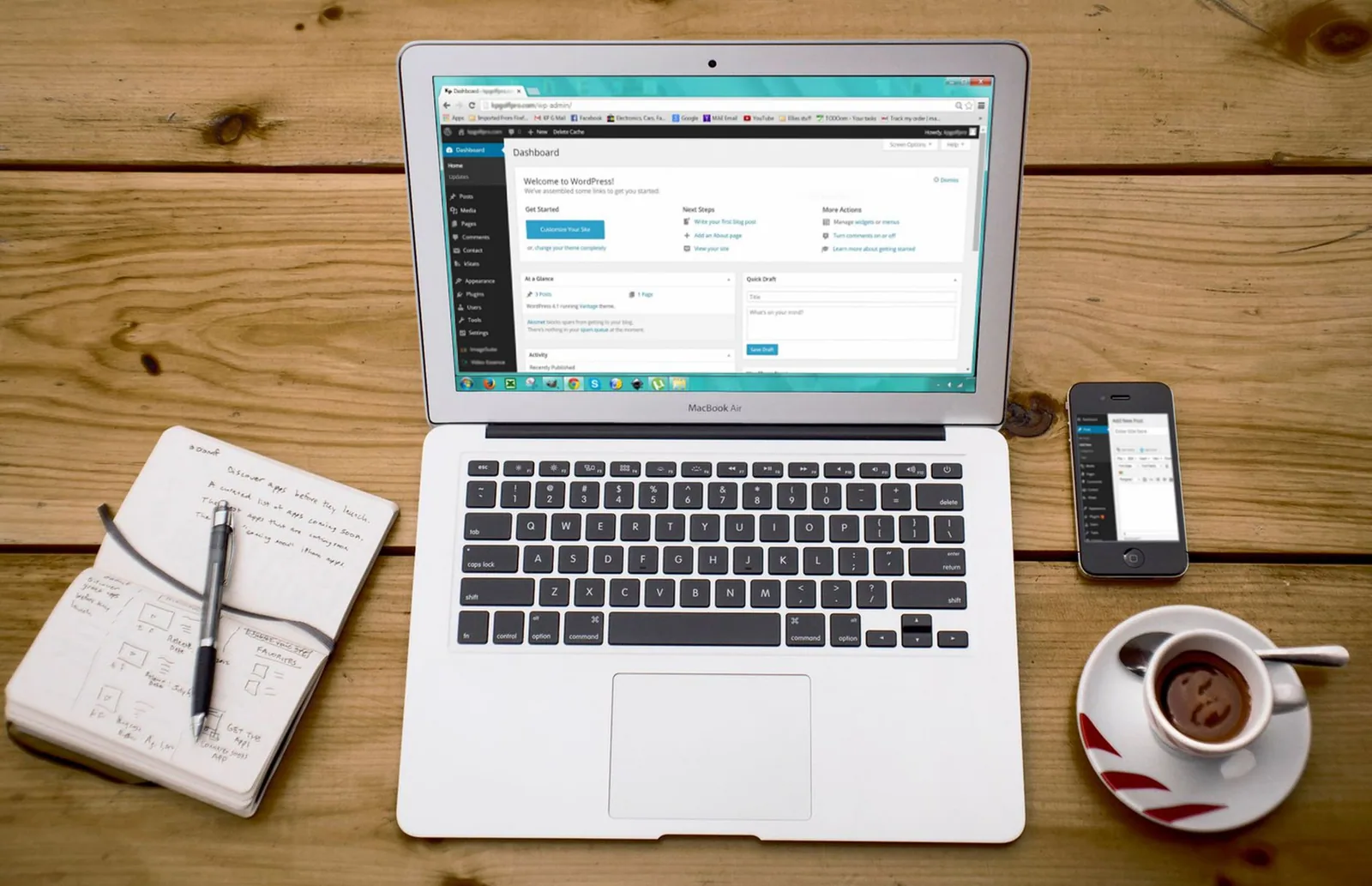
Blogger is the oldest free hosted option and remains attractive because it is simple, stable, and accepts external automation scripts with relative ease, though its design flexibility is limited. WordPress.com’s free plan gives you a familiar dashboard and strong content structure, but restricts plugins — which matters if your automation relies on third-party integrations — and shows its own branding. Medium removes all technical friction and exposes your writing to an existing readership, yet you give up control of design, data, and the ability to run many automation hooks. The trade-off is always control versus convenience, so choose based on how much automation you plan to layer on.
Self-hosting on a budget: realistic paths
Self-hosting with WordPress.org usually costs money, but budget paths exist: free-tier cloud sandboxes, educational or open-source hosting programs, and trial periods from major providers can buy you several months at no cost. The catch is that you become the administrator, responsible for updates, backups, and security patches, which adds a technical layer many beginners underestimate. If you go this route, treat it as a learning project and keep your automation simple until the infrastructure feels stable. A slightly more constrained free hosted platform often outperforms a cheap self-hosted setup that breaks under neglect.
Matching platform features to your automation goals
Match the platform to the workflow: if your plan depends on API publishing and scheduling connectors, pick a platform with a documented REST API and open endpoints, since closed ecosystems will fight you at every step. If your goal is fast publishing with minimal maintenance, a hosted solution with built-in scheduling may be enough, and you can skip connectors entirely. For deeper guidance on aligning platform choice with content strategy, see Creating a Professional Blog Automatically, which walks through the same decision in a professional context. The right platform is the one your chosen tools can actually talk to without workarounds.
Your Automated Blog Setup Guide: Step by Step
Step 1: Pick a niche and define your audience
Start with a niche you can sustain for at least six months of consistent publishing, because automation amplifies whatever direction you choose — including the wrong one. Define a specific reader: their problem, their skill level, and the phrases they type into search engines when looking for answers. Write those phrases down as a seed keyword list, since this list becomes the input for your content pipeline later. A narrow, well-defined audience makes every automated draft easier to evaluate: you immediately know whether it serves the person you wrote it for.
Step 2: Configure the blog structure and basic SEO settings
Before publishing a single post, set the foundational structure: a clear site title, descriptive tagline, logical category list, and readable permalink format. Enable XML sitemaps, connect Google Search Console, and confirm that your pages are indexable rather than set to “noindex” by default. Set a clean navigation menu with three to five top-level categories, so internal links make sense from day one. These fifteen minutes of configuration prevent months of technical cleanup after the site starts receiving traffic.
Step 3: Connect free automation and scheduling tools
Now connect the pipeline: choose a free content generation tool for drafts, a scheduling tool or built-in queue for publishing times, and a connector (RSS, webhook, or platform API) to move drafts from one to the next. Test the full path with a single dummy post before scaling, because a broken connector discovered after scheduling fifty articles is far more painful to unwind. For a practical reference on assembling this stack, the Essential Steps for Your Automated Blog Setup Guide lays out the same sequence in checklist form. Keep the first version of the pipeline deliberately simple — two or three tools maximum.
Step 4: Publish, index, and monitor your first posts
Release your first three to five posts within a short window, then request indexing through Search Console and share them on one or two channels you already use. Monitor whether pages appear in search results, which queries they surface for, and whether readers click through at all. This initial data is more valuable than any forecast, because it tells you which topics and titles actually earn impressions. Iterate quickly: adjust titles, expand thin sections, and retire underperforming formats before they become permanent fixtures.
Free Tools That Power an Automated Blog
Content generation and repurposing tools
Free content tools cover outline creation, drafting, and rewriting, and many allow a limited number of generations per month — enough to feed a steady publishing schedule. Beyond drafting, repurposing tools can convert a single article into a newsletter blurb, a social thread, or a short summary, multiplying the reach of each piece without new writing. One option in this category is the Create SEO articles, publish automatically and keep your blog growing with AutoBlog, which handles drafting, optimization, and publishing in a single flow. Evaluate tools by how well they preserve your brand voice, since consistent tone is what keeps readers returning.
Scheduling and publishing automations
Scheduling tools determine when posts go live, and consistency here matters more than volume: a predictable cadence signals an active site to both readers and crawlers. Many platforms include native scheduling, which is the simplest free path, while external schedulers add features like queue management and automatic social distribution. Set publishing windows that match your audience’s active hours, then let the queue run. Once the rhythm is established, you spend your time editing rather than remembering to press publish.
Free analytics and search performance tracking
Free analytics platforms reveal which posts earn impressions, which queries drive clicks, and where readers drop off — the feedback loop that makes automation smarter over time. Set up a small dashboard with three to five metrics: indexed pages, average click-through rate, and top-performing topics, and review it on a fixed weekly slot. For a broader walkthrough of the tooling choices, the Unlocking the Secrets of an Automated Blog Tutorial for Success expands on how these pieces fit together. Data without a review habit is decoration, so make the check-in non-negotiable.
SEO Foundations for an Automated Blog That Ranks
Keyword research without paid subscriptions
You can build a solid keyword map without paying for premium tools by using free autocomplete suggestions, “people also ask” boxes, and the free tiers of keyword planners. Look for long-tail phrases with clear intent rather than chasing high-volume head terms you cannot compete for yet. Group related phrases into clusters so each cluster becomes a small content series, which gives crawlers topical depth on your site. This research becomes the input file for your automation, ensuring every generated draft targets a real search demand instead of a guess.
On-page optimization applied automatically
On-page elements — title tags, meta descriptions, heading hierarchy, image alt text, and URL slugs — can be templated so every post arrives pre-optimized. Build these templates into your pipeline: a title pattern with the primary keyword, a 150-character description template, and an H2 structure that mirrors the searcher’s questions. Templates guarantee consistency, which is where automated sites typically outperform hand-published ones that forget basics under time pressure. Just leave room to rewrite the title manually when a post deserves a more compelling hook.
Internal linking and indexing best practices
Internal links are the cheapest ranking lever available, and automation handles them well: configure a rule that inserts two to three contextual links to related posts on each new publish. Keep your XML sitemap updated automatically and resubmit it whenever the structure changes, so new URLs are discovered quickly. Avoid orphan pages entirely — every article should be reachable within two clicks of the homepage. This connective tissue is what turns a pile of posts into a coherent site that crawlers can understand.
Growing Organic Traffic After Launch
Consistency and freshness signals for search engines
Search engines revisit sites that change regularly, so a steady publishing cadence does more for discovery than occasional bursts of fifty posts. Freshness also matters for time-sensitive topics, where updated content outranks stale competitors even if the original article was better. The practical move is to schedule recurring updates for your top posts, refreshing statistics and screenshots on a fixed cycle. Consistency compounds: each new post adds another entry point, and each update revives an existing one.
Repurposing posts across free social channels
Repurposing stretches every article across free distribution channels — turning a post into a short summary for a social network, a thread of key points, or a slide-style graphic. Automation can queue these derivatives alongside the original publish, so a single article earns visibility in multiple places without extra manual work. Prioritize one or two channels where your audience actually spends time rather than spreading thin across every platform. External attention also earns natural backlinks, which indirectly supports search performance.
When to upgrade from free to paid services
Upgrade when a specific limitation is actively blocking growth — you have hit automation run caps, need a custom domain for credibility, or require plugins your current plan excludes. The trigger should be data-driven: if analytics show consistent traffic that your free plan’s branding or performance is undermining, the paid tier pays for itself. Until then, staying free keeps your overhead at zero and your pressure low. For planning the transition, the Step-by-Step Guide: How to Create an Automated Blog Easily covers the upgrade path in detail.
Common Mistakes to Avoid in a Free Automated Blog
Publishing without editorial review
The most damaging mistake is treating automation as a hands-off replacement for editing. Unreviewed drafts publish factual errors, thin sections, and repetitive phrasing that erode trust with readers and search engines alike. Build a mandatory review checkpoint into the pipeline — even ten minutes of reading and correcting a draft prevents the slow reputation damage that is hard to reverse. Quality is the moat around an automated blog; without it, you are simply producing content faster than anyone can justify reading it.
Ignoring platform terms of service
Every free platform publishes rules about automation, content volume, and monetization, and violating them can get your site suspended with little recourse. Read the terms before connecting any third-party publishing tool, and stay well under the stated rate limits. Some platforms explicitly prohibit fully automated publishing without human contribution, so calibrate your workflow accordingly. A suspended free site costs you every bit of progress you built, making this the cheapest risk to eliminate.
Neglecting mobile and page speed optimization
Most readers arrive on phones, and a slow or broken mobile layout sends them — and your ranking potential — away within seconds. Use lightweight themes, compress images before upload, and avoid stacking plugins that bloat page load time. Free platforms often handle performance infrastructure for you, but your content choices still matter: giant hero images and embedded media are the usual culprits. Test every template on a mobile viewport before it enters the automated queue.
Maintaining and Scaling Your Automated Blog Over Time
Building a simple weekly maintenance routine
Set a recurring weekly block — sixty minutes is plenty — to review published posts, check for broken links, scan analytics, and clear the automation queue of anything questionable. A short routine prevents the gradual drift that makes automated sites feel abandoned, such as outdated information and dead internal links. Keep a running checklist so the session stays focused rather than becoming an open-ended browse. Maintenance is unglamorous, but it is what separates a blog that ages well from one that decays after launch.
Tracking metrics that actually matter
Track a small set of metrics tied to outcomes: indexed pages, organic sessions, click-through rate from search, and the number of posts that earn impressions. Vanity numbers like total page views without context or raw social likes rarely inform decisions, so leave them off the dashboard. Compare week over week and month over month rather than obsessing over daily fluctuations, which are mostly noise. When a metric moves, ask why — that question is where your next improvement comes from.
Scaling content volume responsibly
Scale by increasing frequency gradually and only after your quality review still fits within the time you have allocated. Doubling output while halving editorial attention produces a larger archive of forgettable posts, which helps nobody. A responsible path is to add one extra post per week, monitor the effect on engagement for a month, then decide whether to add another. Growth should follow stability, not precede it.
Realistic Expectations: What Free Automation Can and Cannot Do
Traffic timelines according to public sources
Public guidance from search professionals generally suggests that new sites need several months of consistent publishing before search engines send meaningful traffic, with competitive niches taking considerably longer. Treat the first quarter as foundation-building: indexation, initial impressions, and learning which topics resonate. Automation shortens the time spent producing content, but it does not shorten the time search engines need to trust a new domain. Plan your expectations around quarters, not weeks.
Quality vs. quantity trade-offs
Publishing more posts per week can increase total impressions, but only while each post still meets a quality floor worth reading. Below that floor, extra volume dilutes your site’s topical authority and wastes crawl budget on pages that never earn clicks. The healthy balance is the highest volume you can maintain with honest editorial review every single time. Let your analytics decide: if engagement per post declines as volume rises, you have crossed the line.
Setting goals you can measure
Set goals in concrete, observable terms: publish 12 posts in 30 days, reach 50 indexed pages in three months, or earn impressions on 20 target keywords by the end of the quarter. Vague ambitions like “grow the blog” produce no feedback, so every goal should have a number and a deadline attached. Revisit the goals monthly and adjust the automation settings to match reality rather than the original plan. Measurable goals turn experimentation into a learning system.
Conclusion
An automated blog for free is not a shortcut to overnight success, but it is one of the most accessible ways to start building organic traffic with minimal investment. Follow this automated blog setup guide, use the free tools listed above, and apply solid SEO fundamentals from day one. The most important step is the first one — publish your niche, configure your automation, and iterate from real data. Start today: pick your platform, connect your pipeline, and let consistency do the compounding work while you focus on the strategy only you can provide.
Frequently asked questions
Will Google penalize a blog built with automated or AI-generated content?
Google’s stated policy is to reward helpful, people-first content regardless of how it is produced, so automation alone is not a penalty trigger. The risk comes from publishing thin, unedited, mass-produced pages that add nothing new. Sites that auto-post hundreds of low-value articles are the ones typically hit by helpful-content and spam updates.
What free tools can I actually use to automate a blog end to end?
A workable free stack is a free CMS tier (WordPress.com free plan, Blogger, or a static site on GitHub Pages), an automation layer like IFTTT, Make, or n8n self-hosted, and a free-tier content source such as a free LLM API, RSS feeds, or Google Sheets as a content queue. Free plans usually cap the number of automated runs per month, so most free setups publish on a weekly rather than daily schedule.
How do automated blogs avoid duplicate or thin content issues?
Use automation for research, outlines, and drafts, but add a human editing pass that rewrites key sections, adds original examples, data, or screenshots, and enforces internal linking. On top of that, run every draft through a plagiarism or similarity check and consolidate overlapping posts instead of letting the pipeline publish near-duplicates.
Can I monetize a blog that runs on free automation tools?
Yes, but monetization usually lags behind traffic, which for a new automated blog often means several months before ad networks approve the site. Display ads require minimum traffic thresholds, so affiliate links and digital products are the realistic first income sources. Keep in mind that some free hosting tiers restrict ads or insert their own, so verify the platform’s terms before you plan revenue.
How much hands-on work does an automated blog still need?
Automation removes the repetitive steps (drafting, formatting, scheduling, distributing), not the strategy. You still need to plan topics, approve or edit drafts, update old posts, and monitor rankings and indexing, which typically takes a few hours per week rather than per day.
AutoBlog Growth Library
Pesquise oportunidades de SEO, planeje pautas, gere artigos e publique no seu site automaticamente.
Conhecer agora